 941b68ad7d
|
||
|---|---|---|
| example | ||
| images | ||
| lib | ||
| test | ||
| .gitignore | ||
| .metadata | ||
| .pubignore | ||
| CHANGELOG.md | ||
| LICENSE | ||
| README.md | ||
| analysis_options.yaml | ||
| pubspec.lock | ||
| pubspec.yaml | ||
README.md
flutter_card_swiper
flutter_card_swiper is a Flutter package for a Tinder Card Swiper. ✨
It allows swiping in all directions with any Custom Widget (Stateless or Statefull).
Very smooth animations supporting Android, iOS & WebApp.
Why?
We build this package because we wanted to:
- have a complete customizable slider
- be able to swipe in every direction
- choose our own settings for the swiper such as duration, angle, padding..
- NEW: trigger swipe, swipe left and swipe right however we want
- NEW: add functions while un-/swiping, on end or when the swiper is disabled
- NEW: detect the direction (left, right, top, bottom) in which the card was swiped away
Detect direction of swipe
We've added the direction in which the card was swiped away to the function onSwipe. The AppinioSwipeDirection gets now returned when the function gets called.
Trigger swipe through controller
You can now trigger the swipe with our CardSwiperController. You can call the swipe trough the controller anywhere you want. Just make sure to pass the controller to the parameter controller from our CardSwiper.
Show Cases

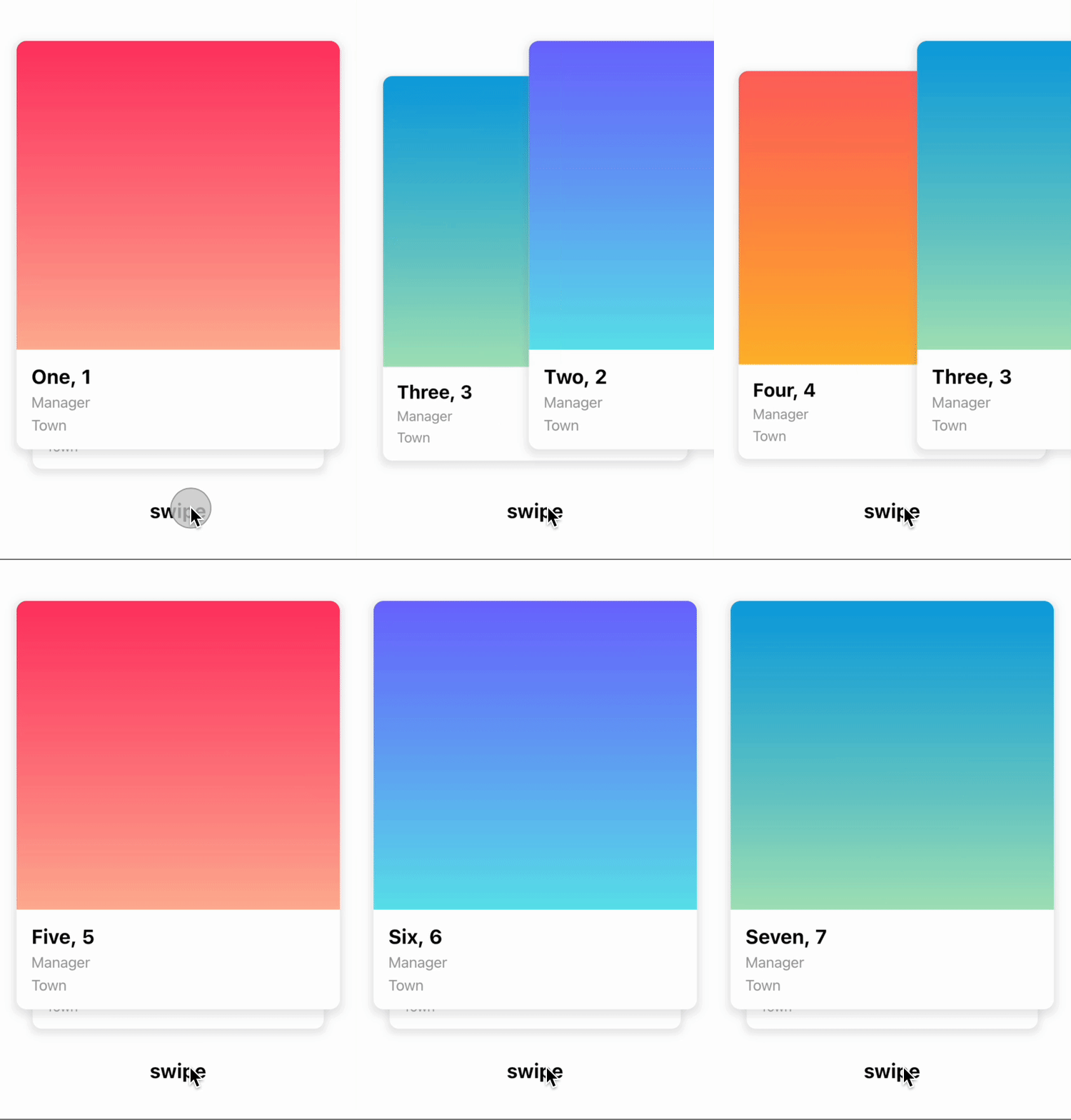
Trigger swipe right and swipe left however you want...

Customize the angle...

Customize the threshold of the swiper, when the card should slide away...

Installation
Create a new project with the command
flutter create MyApp
Add
card_swiper: ...
to your pubspec.yaml of your flutter project.
OR
run
flutter pub add card_swiper
in your project's root directory.
In your library add the following import:
card_swiperimport 'package:flutter_card_swiper/flutter_card_swiper.dart';
For help getting started with Flutter, view the online documentation.
Usage
You can place your CardSwiper inside of a Scaffold or CupertinoPageScaffold like we did here. Optional parameters can be defined to enable different features. See the following example..
card_swiperimport 'package:flutter_card_swiper/card_swiper.dart';
import 'package:flutter/cupertino.dart';

class Example extends StatelessWidget {
  List<Container> cards = [
    Container(
      alignment: Alignment.center,
      child: const Text('1'),
      color: CupertinoColors.activeBlue,
    ),
    Container(
      alignment: Alignment.center,
      child: const Text('2'),
      color: CupertinoColors.activeBlue,
    ),
    Container(
      alignment: Alignment.center,
      child: const Text('3'),
      color: CupertinoColors.activeBlue,
    )
  ];

  @override
  Widget build(BuildContext context) {
    return CupertinoPageScaffold(
      child: SizedBox(
        height: MediaQuery.of(context).size.height * 0.75,
        child: CardSwiper(
          cards: cards,
        ),
      ),
    );
  }
}
Constructor
Basic
| Parameter | Default | Description | Required |
|---|---|---|---|
| cards | - | List of Widgets for the swiper | true |
| controller | - | Trigger swipe | false |
| padding | EdgeInsets.symmetric(horizontal: 20, vertical: 25) | Control swiper padding | false |
| duration | 200 milliseconds | The duration that every animation should last | false |
| maxAngle | 30 | Maximum angle the card reaches while swiping | false |
| threshold | 50 | Threshold from which the card is swiped away | false |
| isDisabled | false | Set to true if swiping should be disabled, has no impact when triggered from the outside |
false |
| onTapDisabled | - | Function that get triggered when the swiper is disabled | false |
| onSwipe | - | Called with the new index and detected swipe direction when the user swiped | false |
| onEnd | - | Called when there is no Widget left to be swiped away | false |
| direction | right | Direction in which the card is swiped away when triggered from the outside | false |
Controller
The Controller is used to control the swipe, swipeLeft, swipeRight function of the swiper from outside of the widget. You can create a controller called CardSwiperController and save the instance for further usage. Please have a closer look to our Example for the usage.
| Method | Description |
|---|---|
| swipe | Changes the state of the controller to swipe and swipes the card in your selected direction. |
| swipeLeft | Changes the state of the controller to swipe left and swipes the card to the left side. |
| swipeRight | Changes the state of the controller to swipe right and swipes the card to the right side. |
Credits
- Ricardo Dalarme (Package maintainer)
- Appinio GmbH (Original project creator)